Feb 28, 2024
How Can Designers Prepare for the Future?
Last month, I had the chance to attend CSS Day in Amsterdam, a two day event split between a “UI day” focusing on the intersection of design and development and a “CSS day”, with speakers who covered more in-depth, technical CSS subjects. The talks were as diverse as the background of the speakers themselves, but there was one common thread: In this era of rapid change, are we, as product people, equipped to design for automation, machine learning, and AI?
What does automation mean for designers?
It's hard to work on a product team that hasn’t automated some part of their workflow in the name of productivity. If machines can take care of the repeatable tasks and heavy lifting, designers can focus on doing more meaningful work. But how does this affect the way we use the work being created by machines?
Josh Clark, founder of design studio Big Medium, provoked the audience with this very question during his talk, ‘A.I. is your New Design Material’. Some of the most impressive advancements in recent technology are things like facial recognition, predictive text, and image search, all powered by machine learning. But it's important to remember—all of these technologies are still built on code. The upside is less room for error. No real emotions, expectations, or feelings get in the way of the job it was designed to do.
Yet, as humans, we assume that when facial recognition fails, the whole process is inherently flawed. But was it really?
According to Josh, that is the most fundamental thing to understand when it comes to machines. Not meeting our human expectations, doesn’t automatically make the technology itself a failure. These things were, by definition, built on logic, which begs the question: Can a robot's solution actually be wrong?
The point of introducing machine learning into our products was never to have them do all the work. Instead, algorithms and logic-based solutions ought only provide humans with better insight so as to empower us to arrive at better solutions, faster.
This fundamental understanding our users that really helps us make better products. This might be a simple example, but if a computer can figure out how to walk on it's own, maybe it's time to start investigating why and how these solutions were formed.
How do we design for the unknown future?
Jared Spool, Co-Founder of UIE asks, “What was the most important thing you learned yesterday, and how will it impact what you do in the future?”
As designers and researchers, we essentially always need to think about how we design products for the future, even as we’re meeting the demands of present day design. A tall order, especially when things move as fast as they have been over the last decade.
To start, Jared advocates for looking back at the ways in which our design processes have already changed.
Remember when UX/UI wasn't a priority for many companies? As a consultant during a time when the Internet had yet to hit mass market appeal, Jared was able to steer many companies into a mindset that considered the user experience of a product.
But this also lets us gain input into how UX and UI has looked over the years, which might give us a better idea of what these concepts will look like moving forward. Jared describes a term called "The UX Tipping Point", with great actionable steps on how to get there.
In the past, designers had to fight for a seat at the table. If today you’re not starting from a place of advocating for user experience (like they were 10 years ago), they’re likely not starting at that tipping point. As a result, designers still have to ensure that the role of UX matures within the company, as well as the understanding of what makes UX important. When an organization hits the last stage, and fully embraces UX design from everything the company does, they fully hit The UX Tipping Point.
Are we designing for users or ourselves?
People don't always know what they want, even if they think the do. As Joe Leech, a UX psychologist says, "People want more choices, but can't deal with them.”
So how do we design for our users, if our users aren’t always telling us the truth? This is one of the most important questions, and something that extensive UX research helps us accomplish.
Back in the 2000s, psychologists Sheena Iyengar and Mark Lepper ran a study regarding consumer choices. They went to a local supermarket, and instructed the store to only sell 6 varieties of jam one week, followed by 30 varieties the following week.
They ran a study on how much jam was sold, and to everyone's surprise, more jam was sold on the week with only 6 choices. But interestingly enough, when the consumers were asked which week they preferred more, they responded with the week that had 30 choices.
Using this analogy, Joe makes a point that is hard to argue with, “A designer who doesn't understand psychology is going to be more successful than an architect who doesn't understand physics".
User research, and a wide variety of it, helps teams get as close as possible to the root of a user’s needs, over their wants. Studying responses on a larger scale is more work, but it helps form the foundation for true UX.


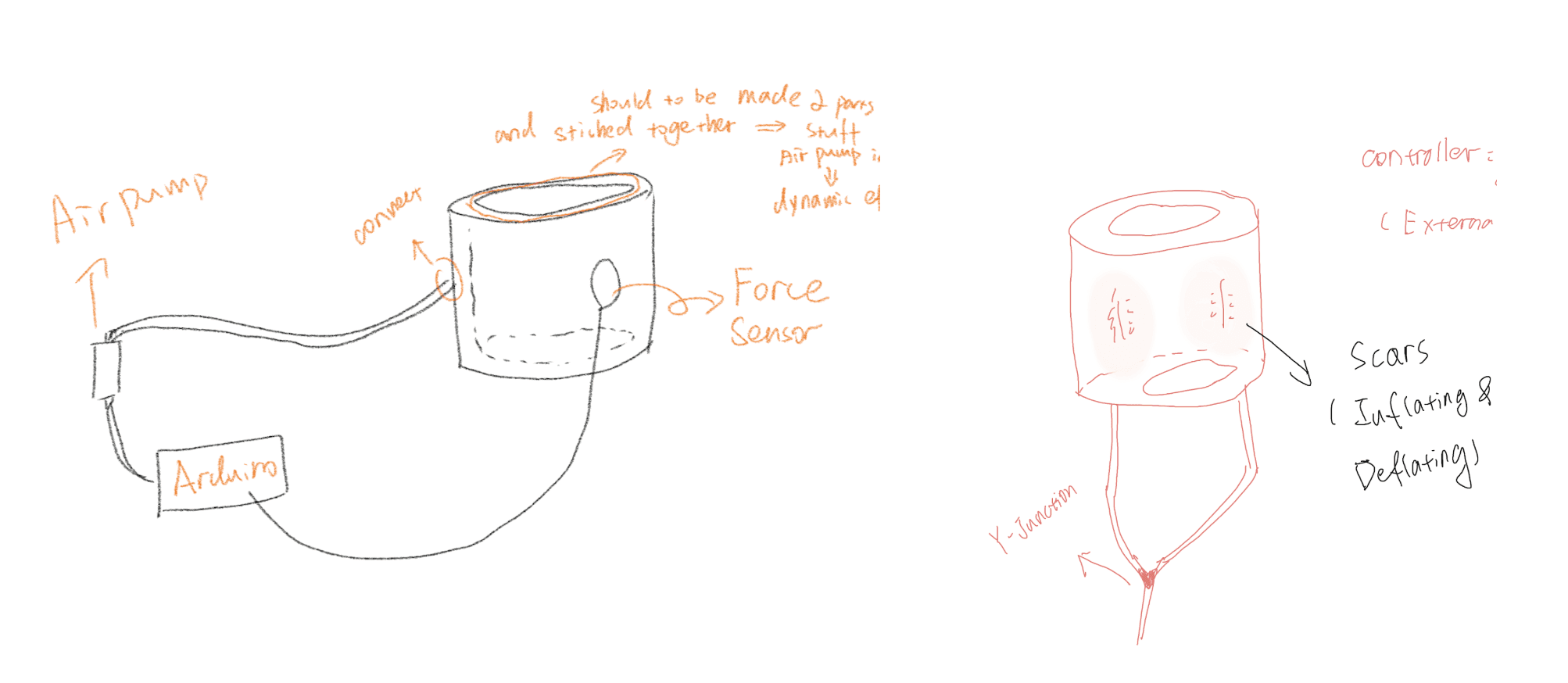
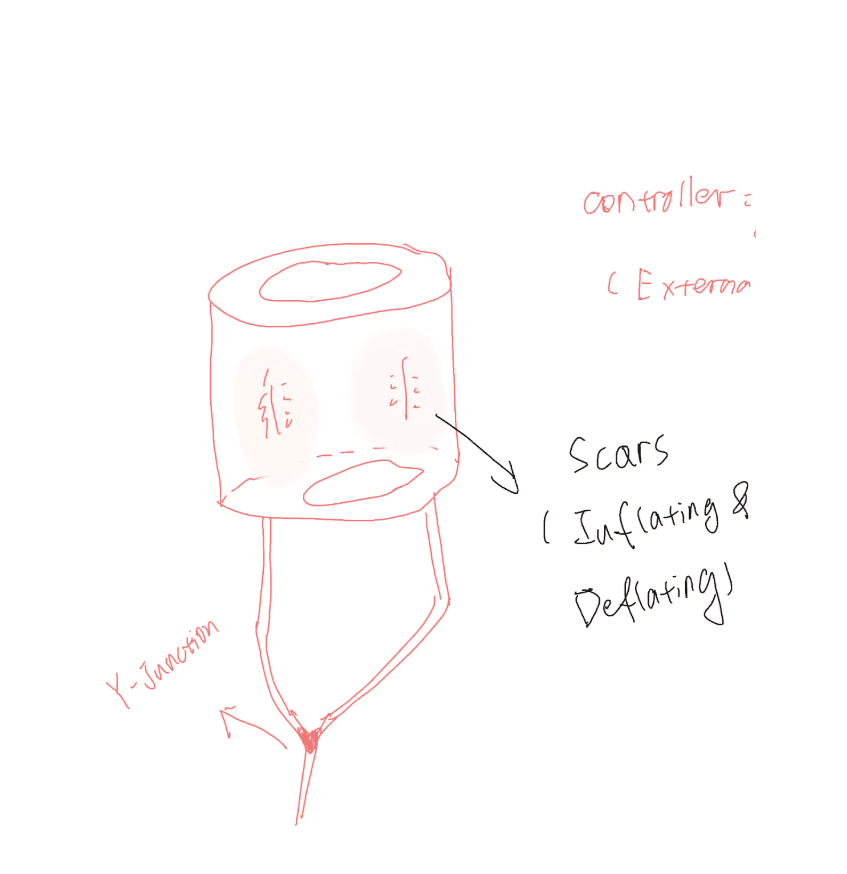
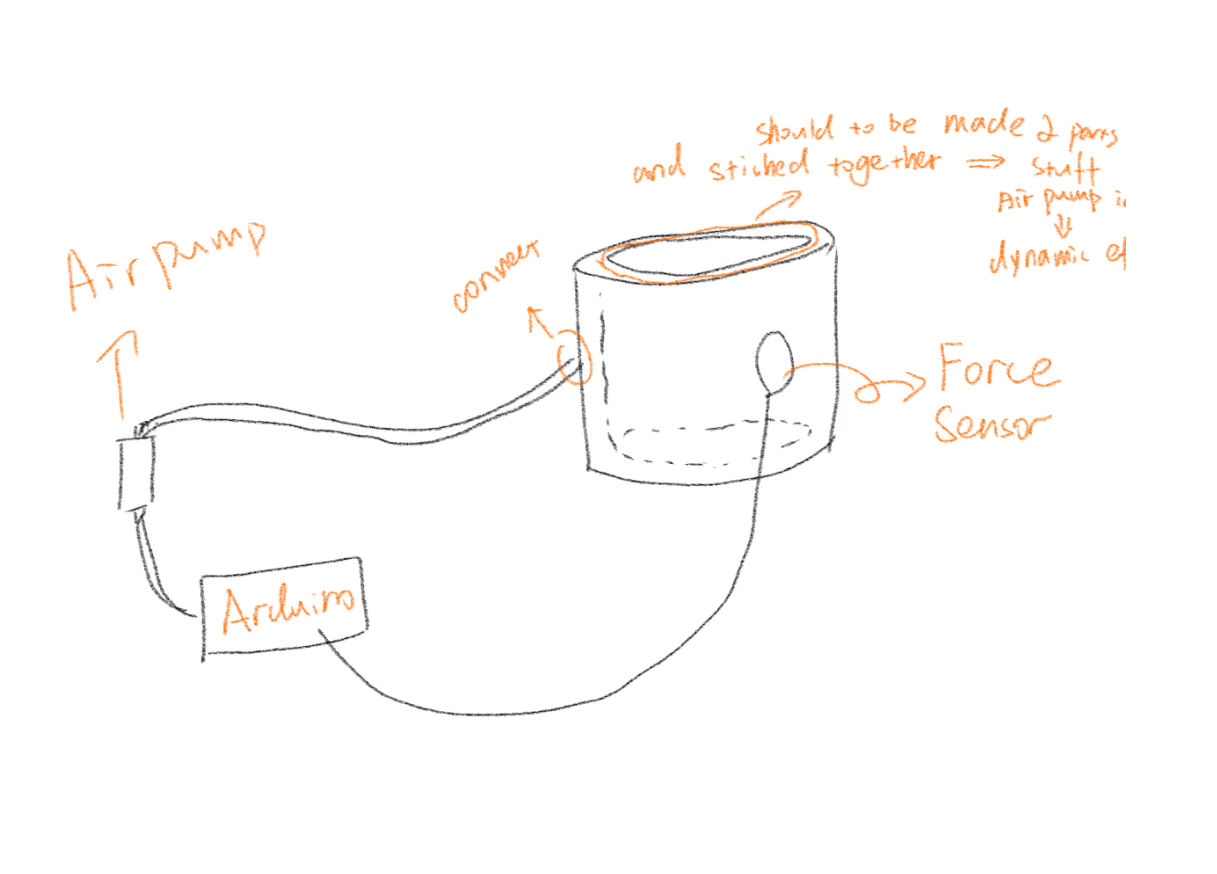
Initial & Final Sketches
Finished Product
After successfully laminating the final product, I began dyeing (I tried adding the dyeing material when mixing the solution but was unable to achieve the effect I wanted, so I finally chose to paint the finished product with a brush).
Process of Creating Project Model
My work begins with the conception of the principal theme. After I have decided on my idea and made a drawing, I proceed to explore for ways to execute my work. I ultimately decided that I wanted to produce a biomimetic material design, so I used silicone to create a material that is similar in hue to skin and can highlight “scars”. This not only makes it visually more fascinating, but also better suits the fundamental theme of my work.
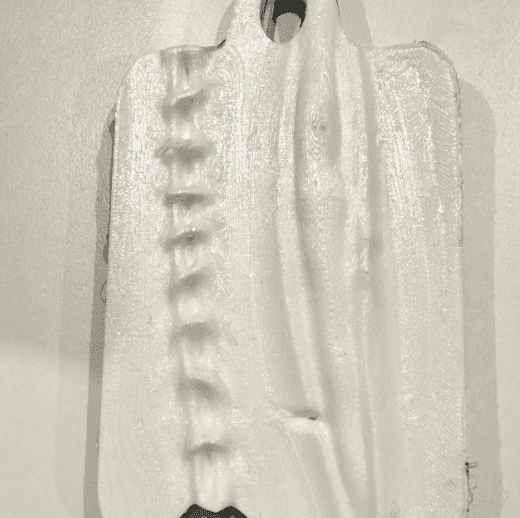
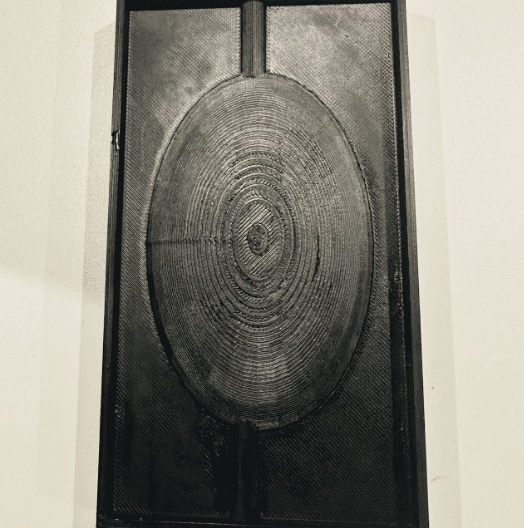
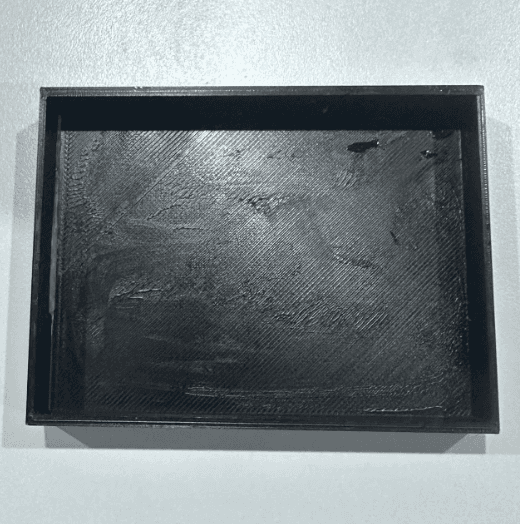
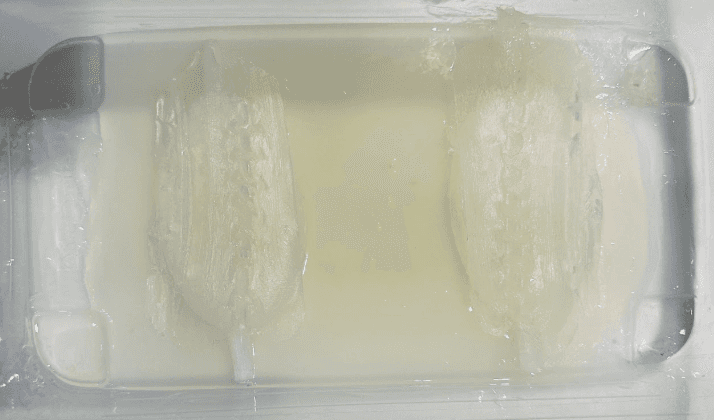
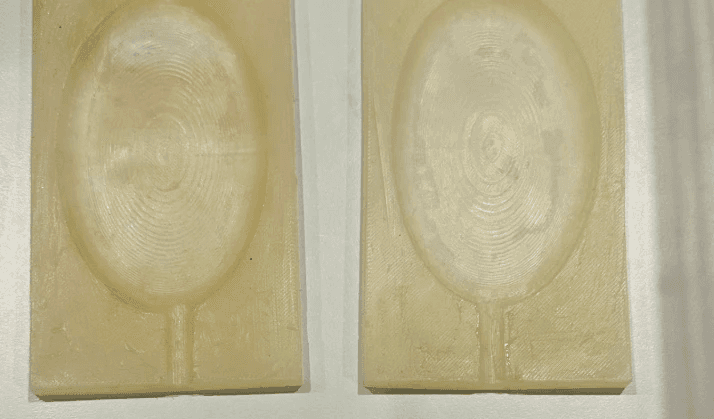
After I decided on the material, I proceeded with 3D modeling. I used ZBrush and TinderCAD to construct the models for the scar and the reverse film molds. After multiple revisions and rebuilding of my models. Following the creation of the mold, I procured silicone ingredients and many supplementary tooling components, subsequently conducting repeated film-pouring trials. The poured sample components were utilized to enhance my mold further. I finally decided on three main molds as the tools for this work: the scar mold, the interior inflated mold that requires secondary reverse film, and the sample mold.
At the beginning, I attempt to design a shshcihcidhscuihcdiuhduishcuidhc
scar model
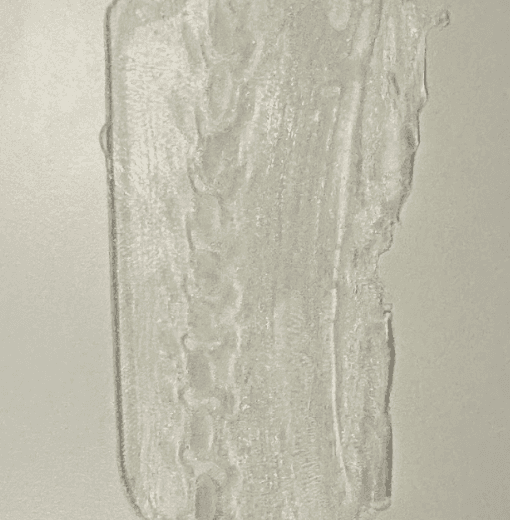
scar sample
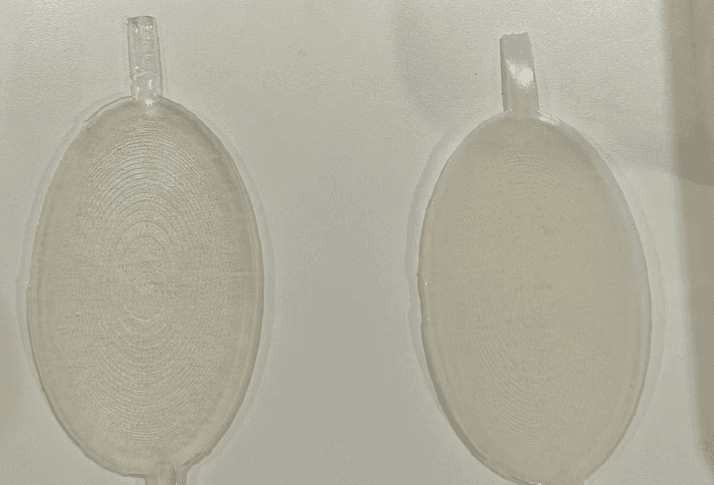
model for internal inflation


I commenced the process of pouring the film for each small material required for the project in distinct batches after identifying the primary mold. For instance, the scar and the silicone material required for the air intake, which must be molded separately. I first poured the silicone out of the 3D mold for the intake of air mold, and then I poured the material that can be molded twice into the silicone rubber mold. Afterward, I inserted the mold that can be molded twice into the mold case to complete the final project. This is employed to generate the ultimate product.
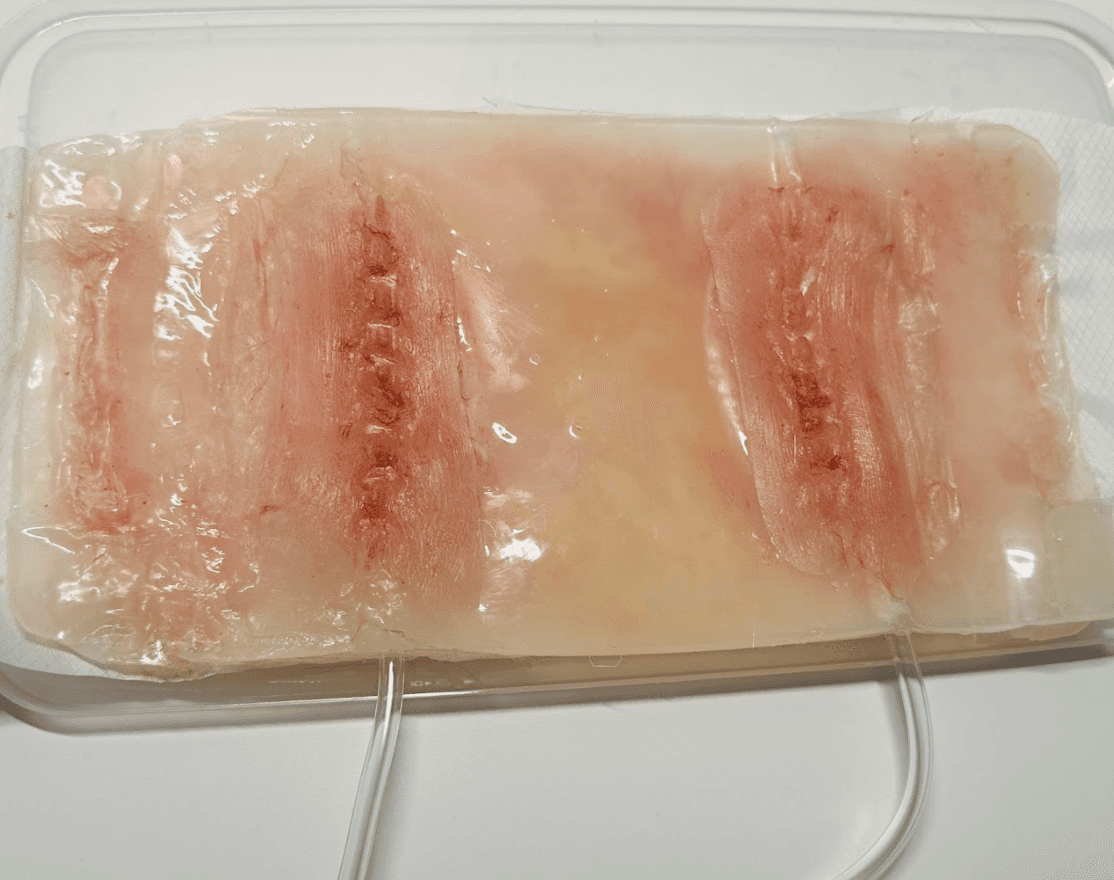
I commenced the process of pouring the film for each small material required for the project in distinct batches after identifying the primary mold. For instance, the scar and the silicone material required for the air intake, which must be molded separately. I first poured the silicone out of the 3D mold for the intake of air mold, and then I poured the material that can be molded twice into the silicone rubber mold.
Afterward, I inserted the mold that can be molded twice into the mold case to complete the final project. This is employed to generate the ultimate product.

Trouble Shooting
Display


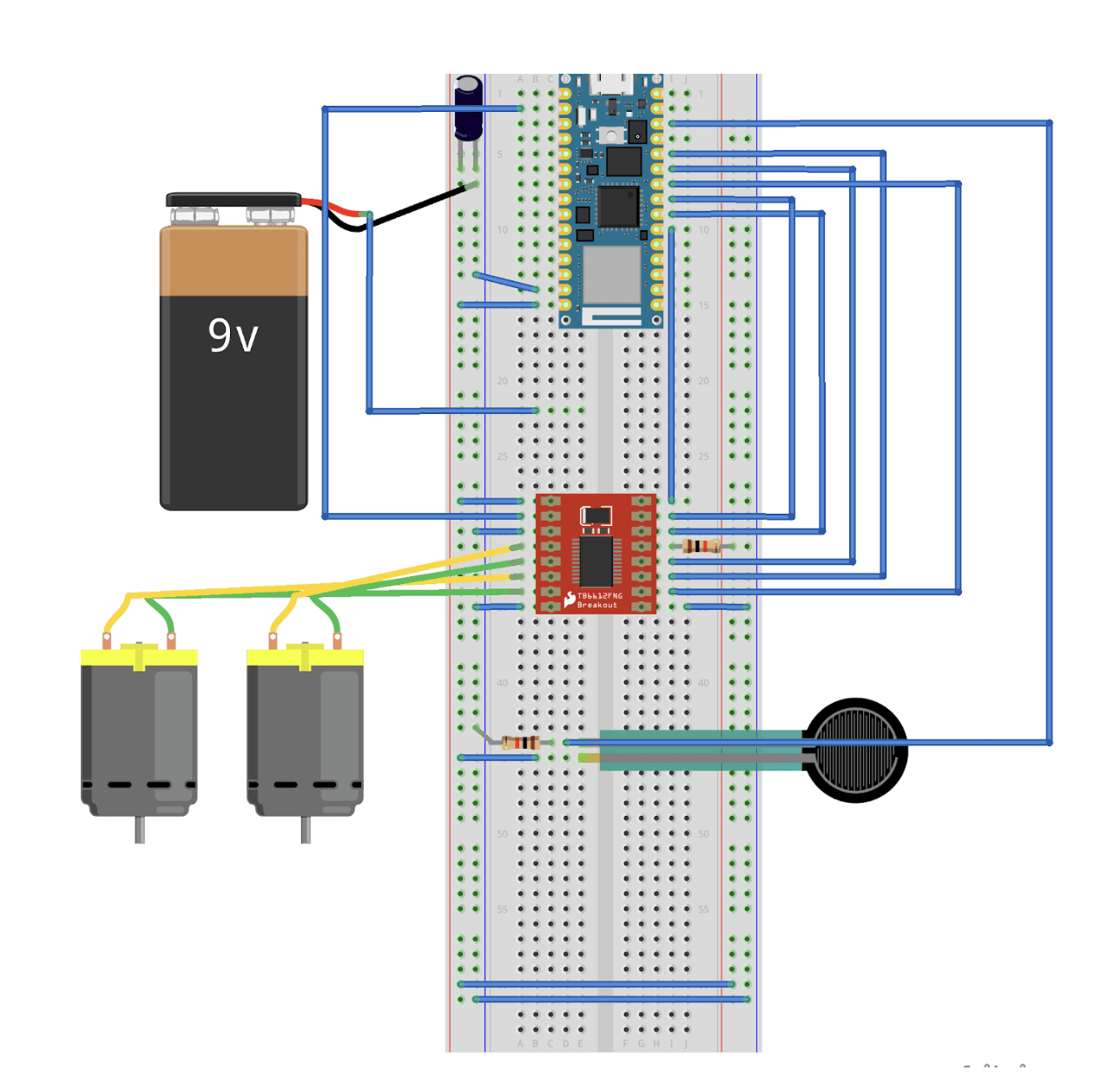
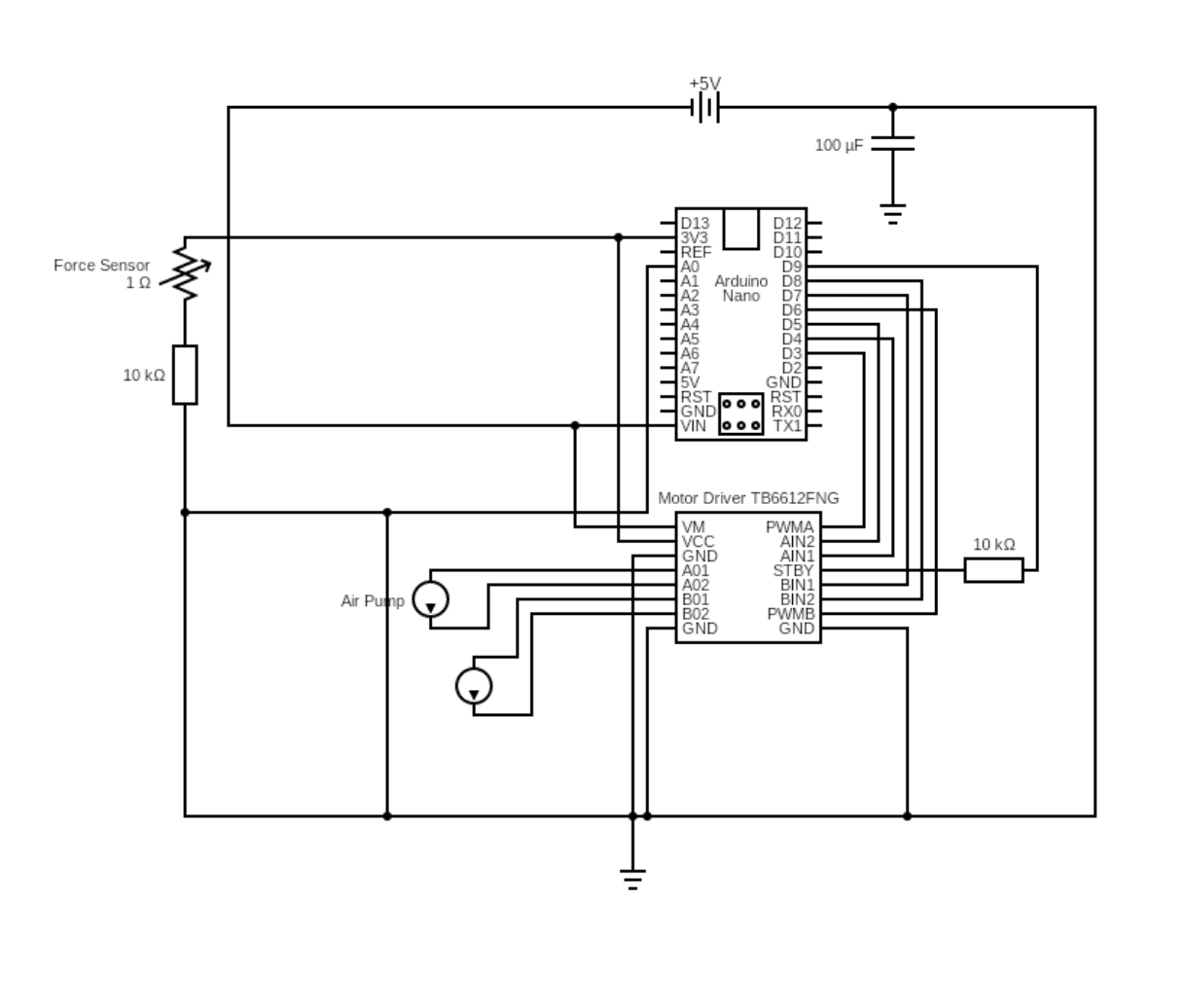
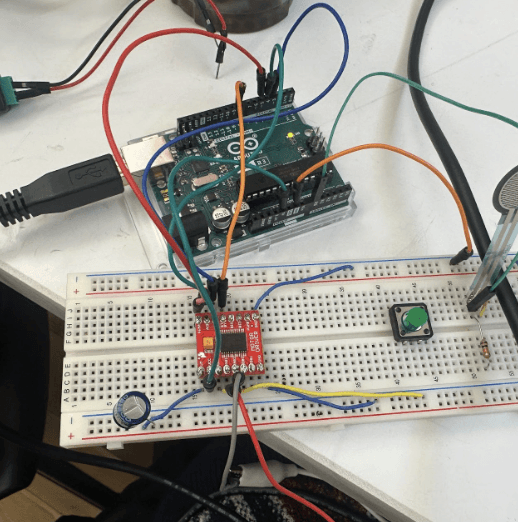
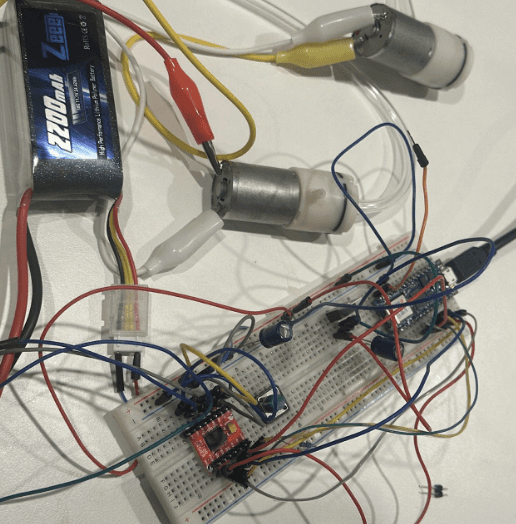
Connect Circuits
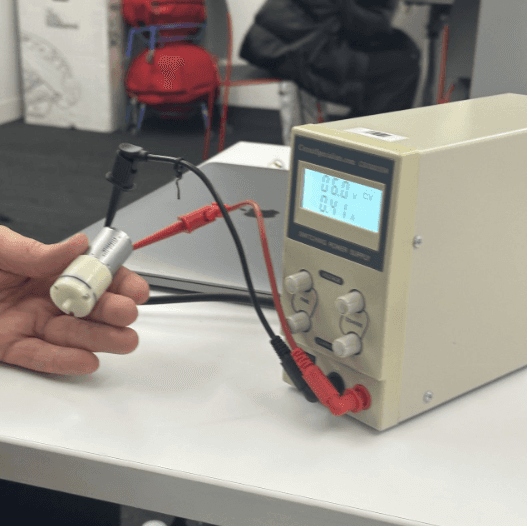
Initially power choose
In terms of the circuit diagram connection, the difficulties I encountered were as follows:
VM? VCC?
I misidentified the VM and VCC connections of the motor driver with the Arduino Vin interface.
Be careful when you soldering
The motor driver I manually soldered had two connections that became loose during previous handling, resulting in weak connections.
Watch out! STBY!
The motor driver I manually soldered had two connections that became loose during previous handling, resulting in weak connections.
Do not burn the breadboard!
The circuit connections were compromised as a consequence of the breadboard's combustion during my previous testing
How to operate the air pump and achieve the effect of inflation?
Typical Application Circuit (The Air Pump and 5V Power Supply components were not found in the software, so the DC Motor and 9V components were used as substitutes to display the circuit diagram.)
test sample model
Someone